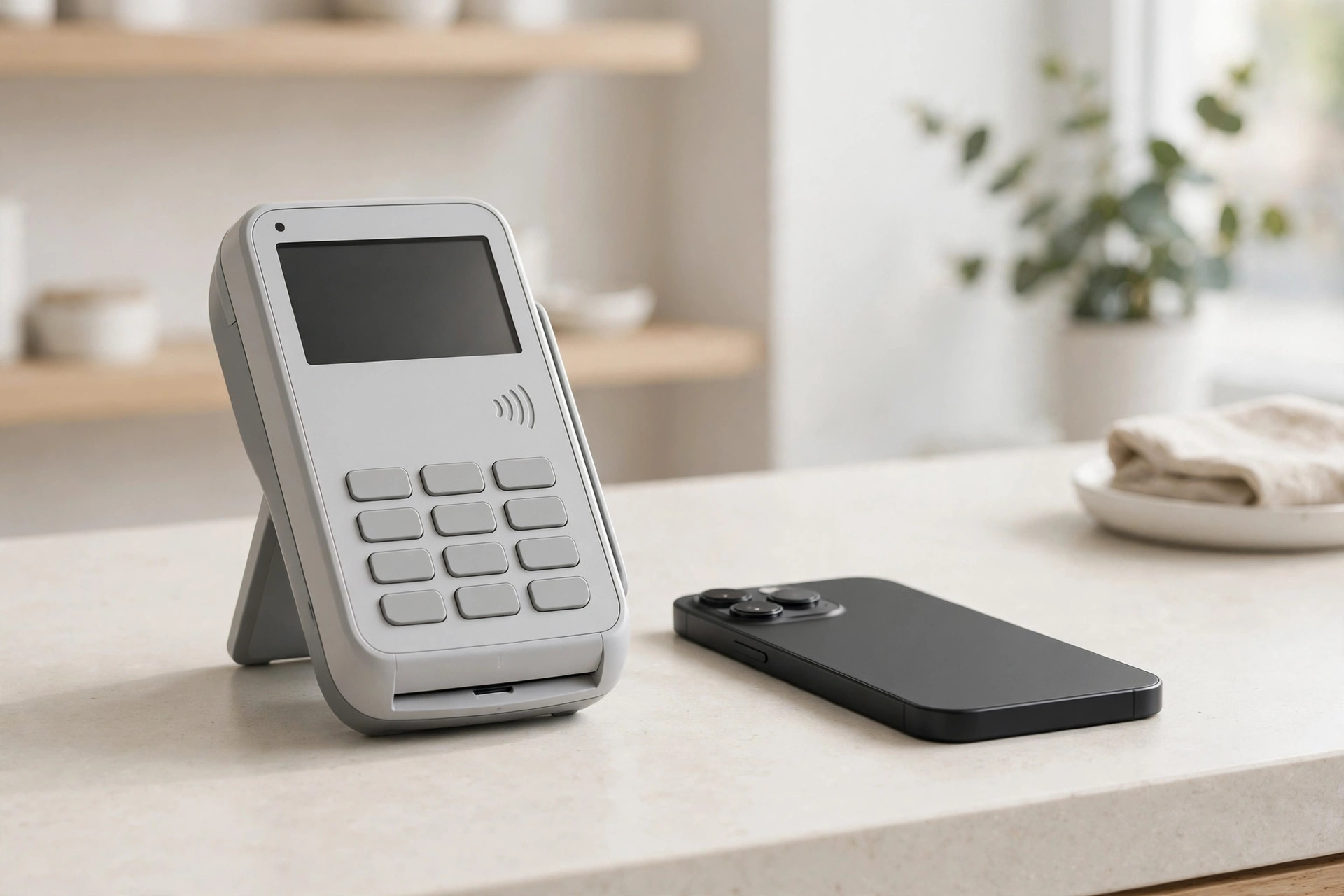
The most common terminal mistake isn't buying the wrong brand, it's buying for features instead of usage. An over-engineered countertop system at a market stall, or a phone reader trying to survive a Saturday lunch rush: the technology works, the alignment doesn't. Start from where your transactions actually happen.
The decision matrix: business type to form factor
| Your workflow | Best fit | Why it wins |
|---|---|---|
| Fixed counter, steady line (retail, café, salon) | Countertop | Large screen, wired connection, built-in printer handle volume and speed |
| Tableside service (restaurant, bar) | Mobile | Tips and signatures captured at the table; no card ever leaves the customer |
| On the move (markets, food truck, trades, delivery) | Mobile | Battery-powered, Wi-Fi or cellular, pocketable; quick to deploy |
| Phone and invoice billing (services, B2B) | Virtual terminal | No hardware at all, but card-not-present rates run higher than tap/chip |
| Hybrid (storefront + curbside/delivery) | Combo | Countertop inside, mobile outside, one dashboard for both |
Countertop strengths and limits
Countertop terminals win on throughput and polish: big customer-facing displays, built-in receipt printers, barcode scanners, and wired Ethernet that doesn't care about Wi-Fi congestion. They're the right call wherever the customer comes to a fixed point of sale and speed matters. Their limits: they're bolted to the counter. Line-busting, curbside handoff, and tableside payment are all outside their reach, and a countertop-only setup has no fallback when the store internet drops.
Mobile strengths and limits
Mobile terminals win on reach: the transaction happens wherever the customer is, the table, the aisle, the driveway. Modern handhelds add offline payment support, barcode scanning, and all-day batteries. Their limits: smaller screens slow complex transactions, receipt printing is cramped or app-based, and they're only as reliable as their wireless connection. For a fixed high-volume counter, a phone-sized device is the wrong tool.
The Canadian specifics
Three local factors belong in the decision. First, Interac debit: whichever form factor you choose must handle tap, insert, and swipe debit flows cleanly, a reader that fumbles debit costs you on every debit sale. Second, tap-to-pay on phone: both Square and Moneris now offer Tap to Pay on iPhone/Android in Canada, turning a phone into a mobile terminal with no extra hardware, worth testing before buying a dedicated mobile reader. Third, receipts: bilingual and email-receipt expectations vary by clientele; confirm the terminal's receipt options before you commit.
The hybrid case: when two device types pay off
The setup: a countertop terminal (~$399 one-time) plus a mobile reader (~$69–$129) totals roughly $470–$530.
The math: if tableside or curbside acceptance recovers just 2 walkaway sales a week at $40 each, that's ~$320/month, the second device pays for itself in under two months.
The rule: buy the second form factor when you can name the sales it recovers (line-busting at peak, tableside tips, market days). Don't buy it “for flexibility”, unnamed flexibility gathers dust in a drawer.
Merchant reviews consistently reward the same thing this matrix predicts: fit. Aggregated Trustpilot and G2 reviews of popular terminals praise lower processing costs and responsive support when the device matches the workflow, and the complaints cluster around mismatches (app instability on underpowered setups, card readers that weren't easy for staff to use). One hospitality operator's verdict after switching to a simpler fit: the straightforward option “just made sense… and saved a bit of money.”
A note on steps: this is a buying-decision guide, not a repair procedure, the decision matrix above is the actionable part. There's no settings path to click through; the “procedure” is working the matrix against your actual transaction locations.
FAQ
Can I just use my phone as a terminal?
In Canada, yes. Tap to Pay on iPhone/Android through Square or Moneris turns a compatible phone into a contactless terminal with no extra hardware. It's ideal for mobile and backup use; for a fixed high-volume counter, a dedicated terminal is still faster.
Do mobile terminals cost more per transaction?
Not inherently, the rate depends on your pricing model and how the card is presented (tap/chip vs keyed), not the device's size. Keyed entry on any device costs more.
Should a restaurant get mobile, countertop, or both?
Mobile for tableside (tips, no abandoned cards), and a countertop or register for the bar/host stand. That's the classic hybrid that earns its keep.